Every post, placement and mention helps build brand visibility, however, tracking where that exposure comes from is just as important as measuring how much of it you have. Media monitoring can show you the volume, but without knowing which Voices are behind the coverage, whether Media, Influencers, Celebrities, Partners or Owned channels, it becomes harder to understand and act on it.
Without this differentiation, it makes it harder to measure and report on the drivers of media impact. Was it press coverage? A creator partnership? Or content from your own channels? To pinpoint this, PR and Comms teams often go through the time-consuming process of combing through placements manually. To solve this, we have introduced Voice filters in Launchmetrics Discover: a faster, smarter way to focus only on the placements that matter.
In this blog, we explore how this update opens the door to more targeted analysis and clarity to your coverage, for granular data analysis and smarter reporting in just a few clicks.
What Are Voice Filters?
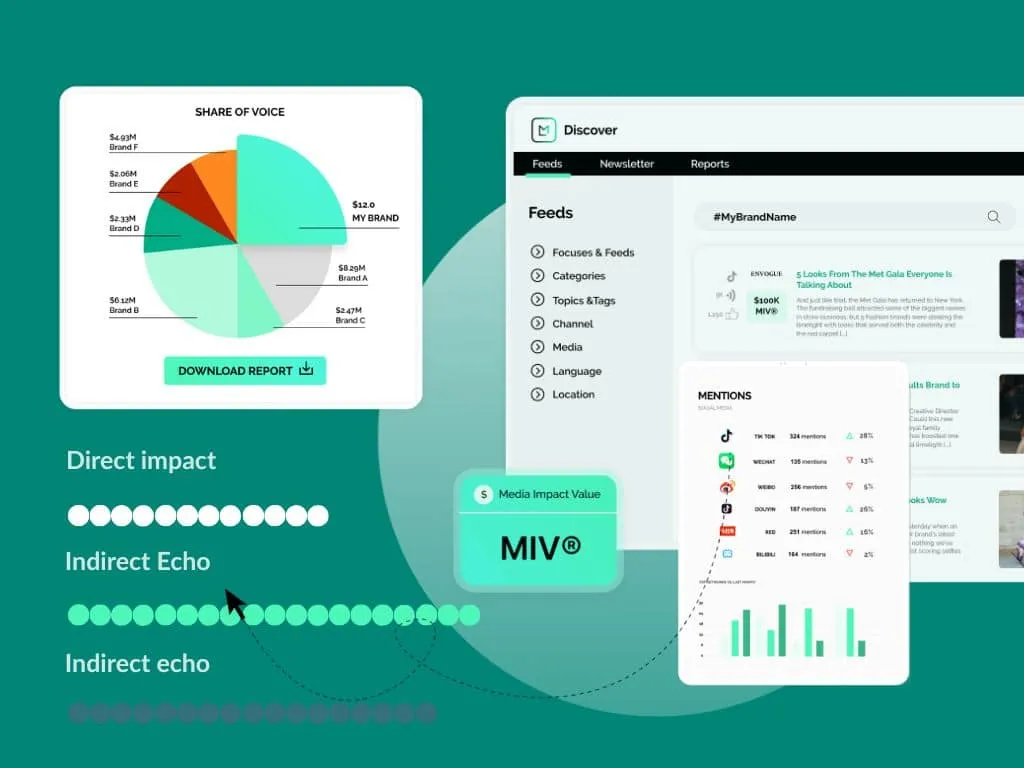
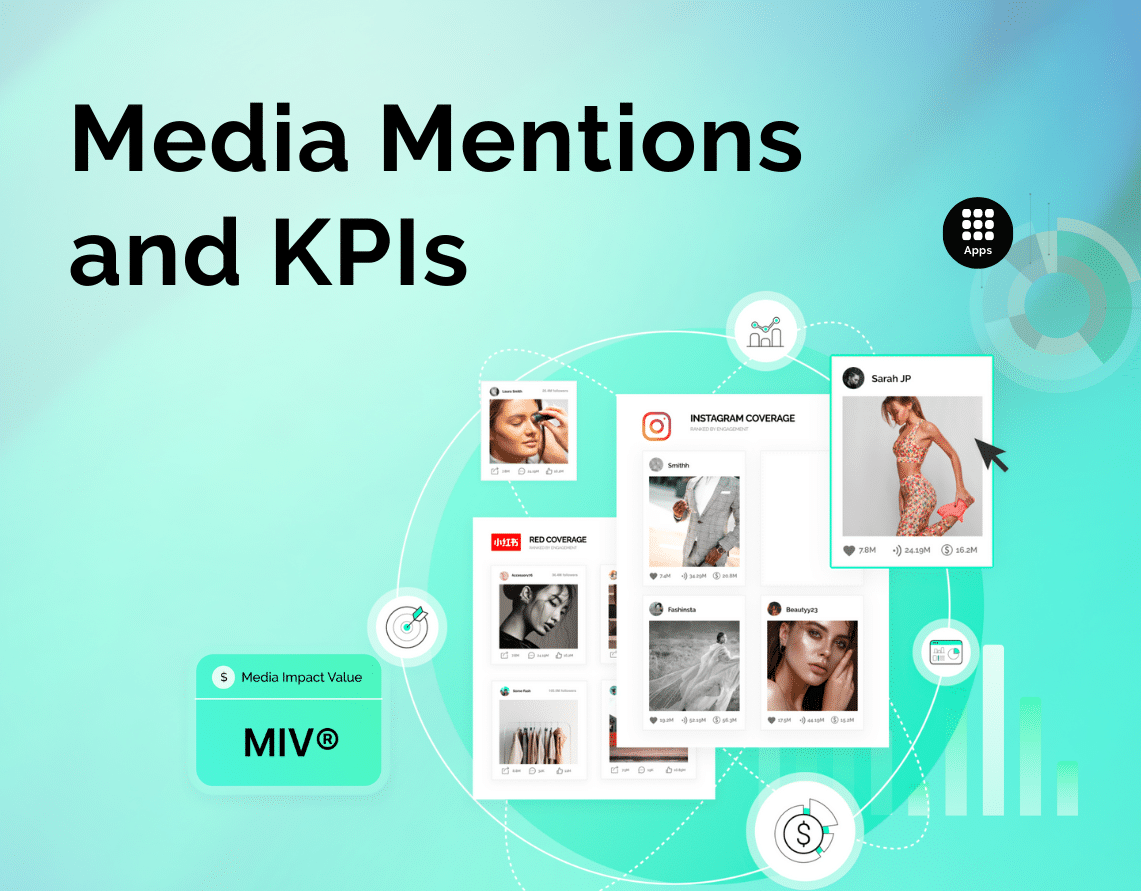
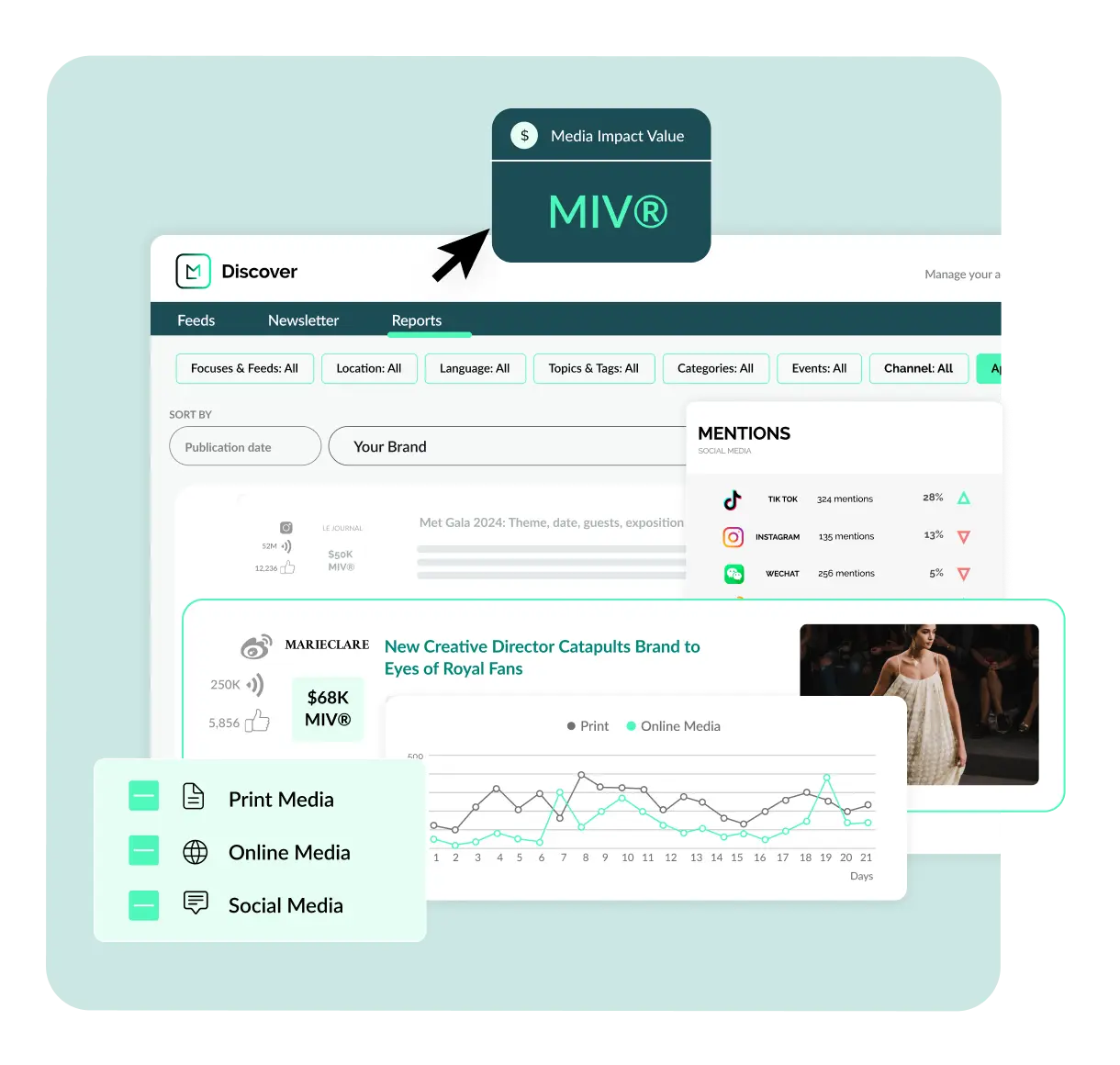
Discover, our media monitoring tool, helps brands track where and how they’re being mentioned across media, influencers, celebrities and owned channels. Each placement is assigned a Media Impact Value® (MIV®), a proprietary metric that quantifies the visibility of a post or mention, giving teams a consistent way to measure brand performance across campaigns and regions.
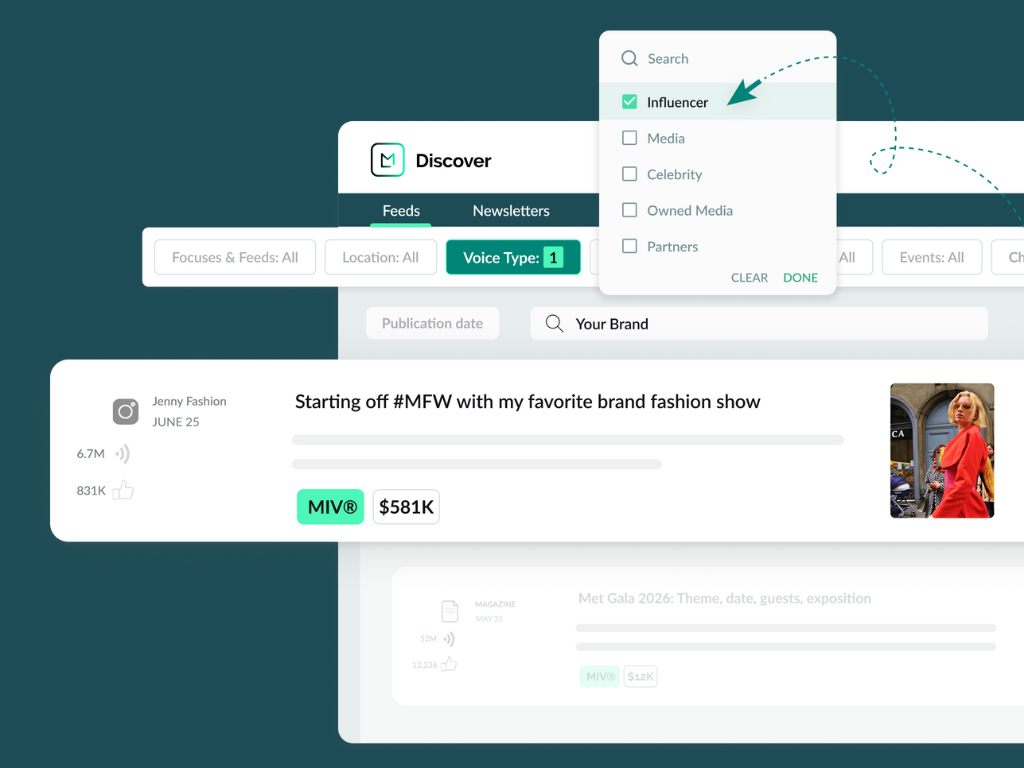
With the addition of Voice filters, teams can now refine that view with even greater precision through Voice Type and Voice Name.
- Voice Type: Choose from Media, Influencers, Celebrities, Owned or Partners to narrow your view to the placements that matter most to your role or report.
- Voice Name: Search and select specific names to isolate coverage from high-priority publications, creators or partners across thousands of entries.
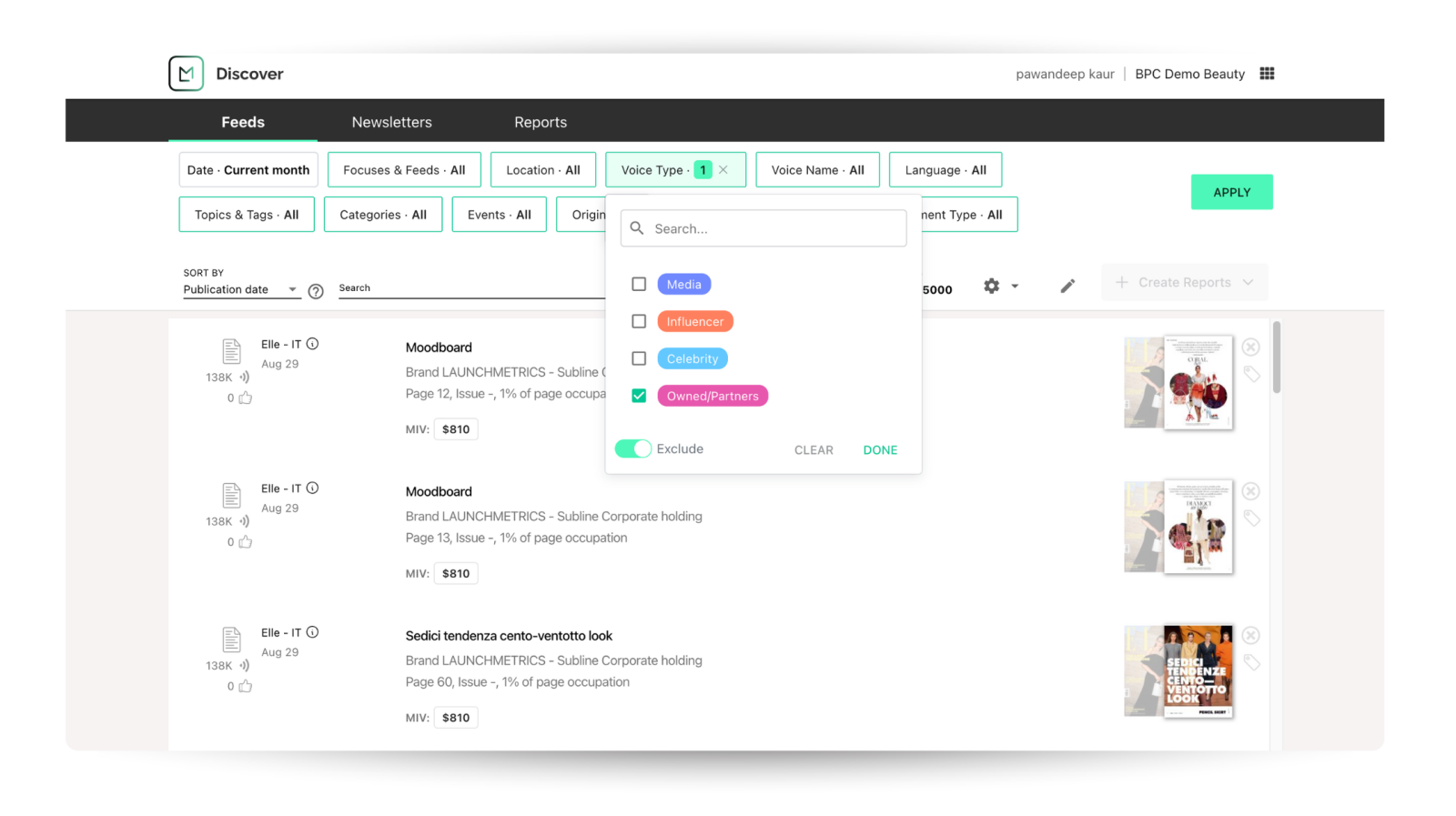
Voice Filtering in Discover and Insights Reporting
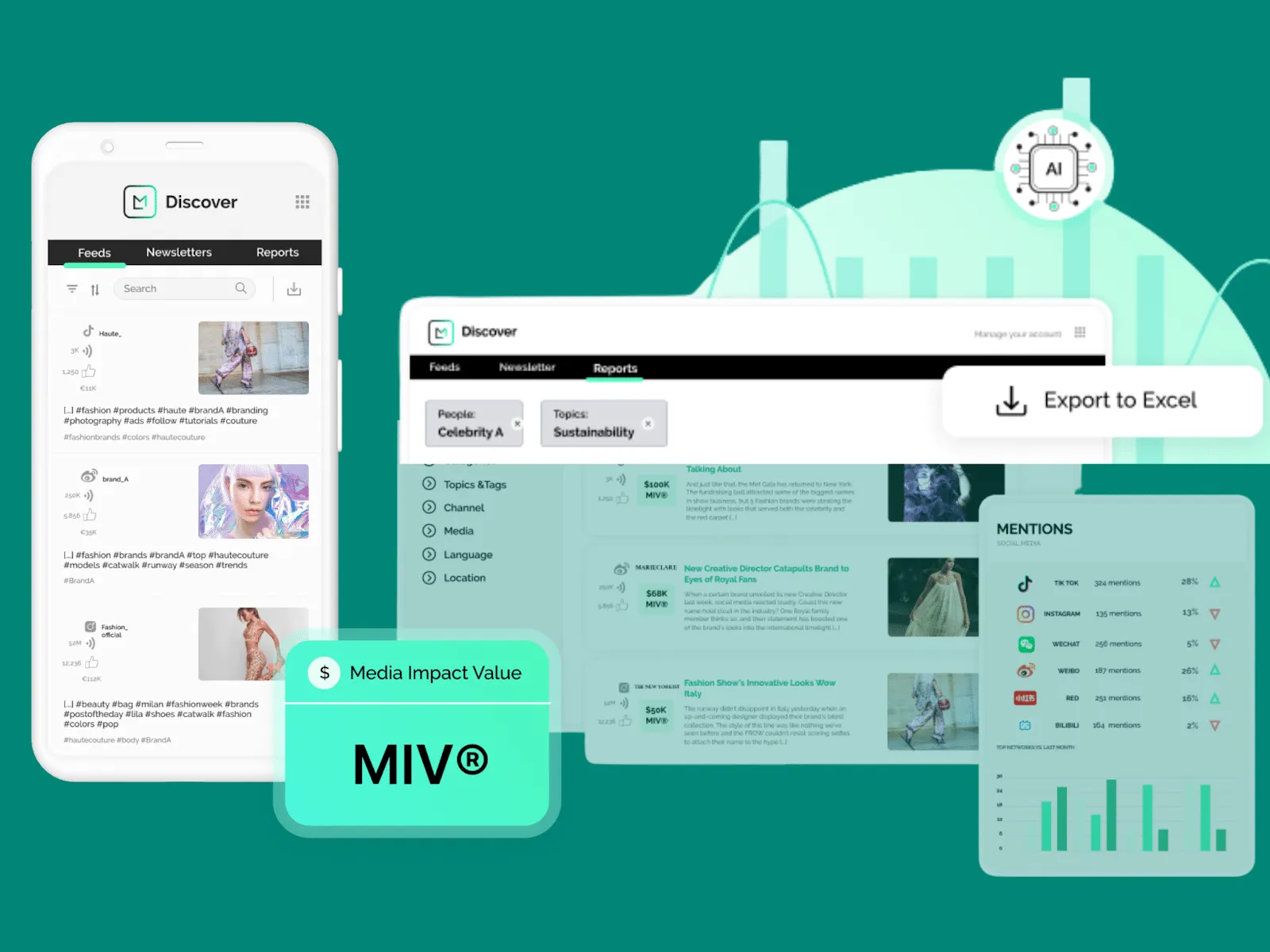
We’ve also extended Voice filtering to the report builder in both Discover and Insights. Rather than reporting on a specific Voice by downloading full datasets and filtering manually in Excel across multiple reports, this update brings that same filtering functionality directly into the reporting workflow.
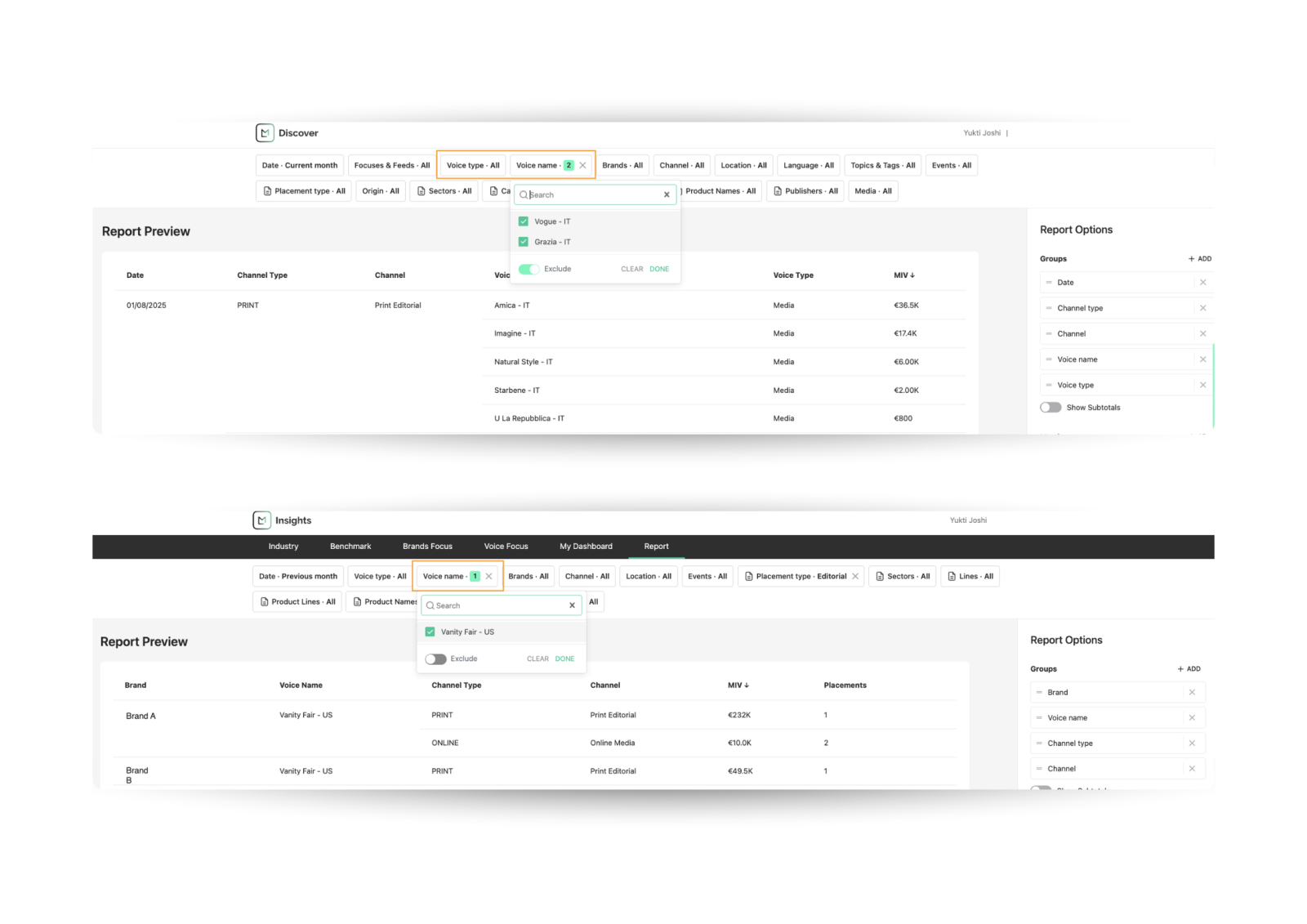
With Voice Type and Voice Name filters built in, teams can extract exactly what they need, whether they’re isolating earned media from a key publication or tracking influencer content from a recent campaign. It’s the same clarity available in the Discover feed, carried through to both Discover and Insights reporting for a more intuitive and smooth experience.
Use Cases
1. The PR Lead Looking For Earned-Only Visibility
A PR Lead at a fashion brand is preparing an internal recap following the launch of a new seasonal collection. The campaign included influencer partnerships, owned content and earned media outreach, but the goal of this report is to isolate how media outlets helped amplify the story on social platforms. Using the Voice Type filter, they exclude Influencer and Owned placements to focus only on social media content published by verified Media Voices. This gives them a clean view of organic pickup, highlighting which publications drove the most visibility and how that coverage performed across channels. This insight feeds directly into planning for the next season’s press strategy.
2. The Influencer Manager With a Creator-Focused Lens
An Influencer Marketing Manager at a beauty brand is reviewing the impact of a limited-edition launch tied to a retail partner activation. The campaign involved exclusive early access for a select group of creators, each posting across Instagram, TikTok and YouTube in coordination with the in-store rollout. To measure the results, the manager uses the Voice Name filter in Discover to search for those specific creators and instantly pull all related placements. With a clear view of which Voices drove the most buzz, they’re able to compare performance across platforms, identify top talent for future collaborations and share insights with the retail partner to support future co-branded campaigns.
3. The Analyst Measuring Athlete Impact with Precision
A Brand Insights Analyst at a sportswear brand is building a performance report to evaluate a recent launch tied to an NBA athlete partnership. The marketing team needs to understand how much visibility was driven directly by the athlete, compared to media coverage or brand-owned content. Using the Voice Name and Voice Type filters in Insights, the analyst isolates placements from the athlete and key campaign partners, then segments performance across channels and regions. The final report breaks down where impact was strongest, which Voices delivered the most value and how the partnership contributed to its media impact. These insights are shared with internal stakeholders to inform future ambassador strategy and contract negotiations.
See Launchmetrics In Action
With Voice filters, our Discover and Insights solutions become an engine for precision when analyzing PR and marketing performance. Whether you’re preparing for an exec review, analyzing campaign ROI or refining your earned-first strategy, the ability to slice by Voice can bring confidence to your decisions and future campaigns.
To see how our platform works, book a demo with our team.
Streamline Your Media Monitoring In One Place
Explore how Launchmetrics Discover makes it easy to monitor your media mentions and PR Results
By Pawandeep Kaur