From campaign recaps to executive updates, reporting plays a critical role in how teams share insights and showcase impact. Whether it’s summarizing monthly performance, comparing brand visibility across markets or highlighting talent-driven coverage, reports help bring structure and clarity to your media monitoring efforts.
To make that process even more intuitive and adaptable, we’ve reimagined the way reports are built and managed inside our Discover platform.
Read on to learn how our new Discover Reports Builder is designed to help you create tailored, insight-driven reports faster, with greater consistency and control.
What is the Discover Reports Builder?
The Discover Reports Builder is Launchmetrics’ enhanced tool for creating, customizing and managing coverage reports directly from your feed view. With advanced filtering, flexible sharing and seamless export options, it gives you full control over the reporting process—all while saving time and maintaining consistency.
Why It Matters
The new builder isn’t just faster, it’s smarter and intuitive for our customers. Here’s what makes it a standout reporting tool:
- Full customization
Apply any combination of feed filters to tailor reports to specific campaigns, timeframes or KPIs. - Save and scale reporting
Save report settings once and reuse them—no need to start from scratch each time. - Flexible visibility
Choose between private and global reports to collaborate with teams, and keep sensitive insights secure.
This results in reporting that’s more efficient, collaborative and strategic.
How The New Discover Reports Builder Works
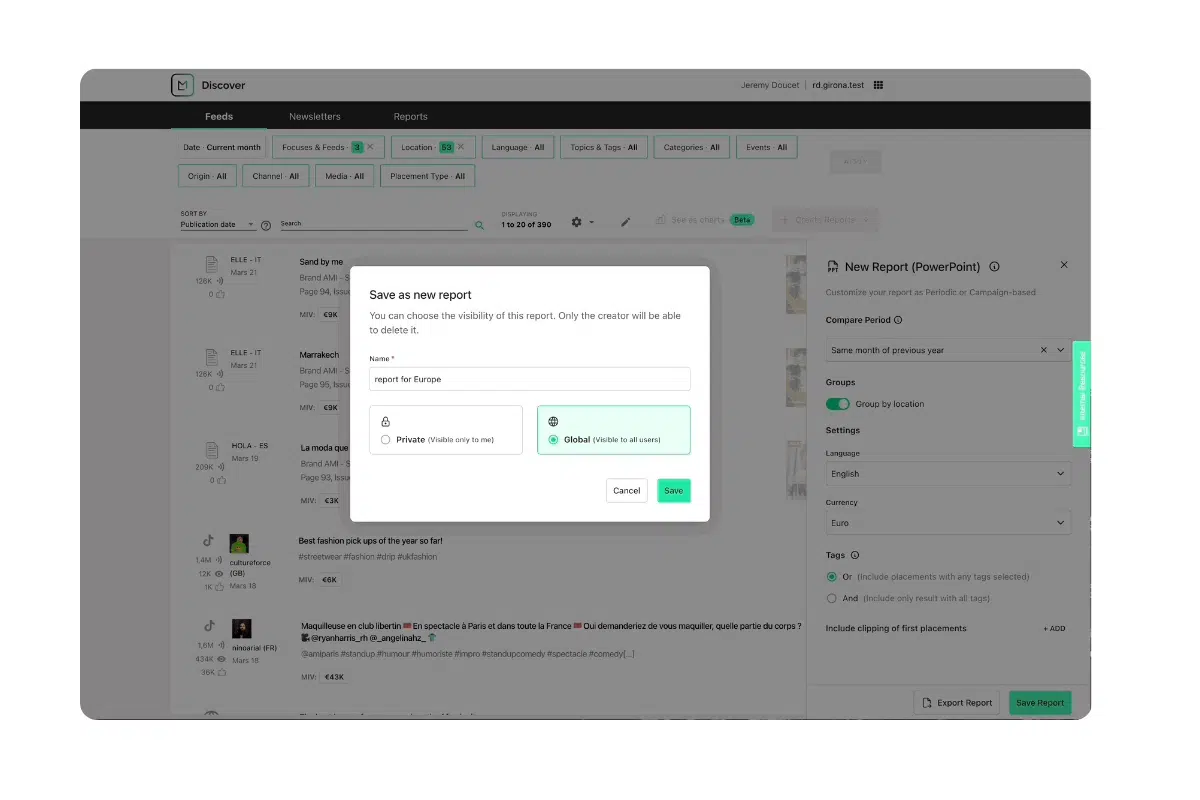
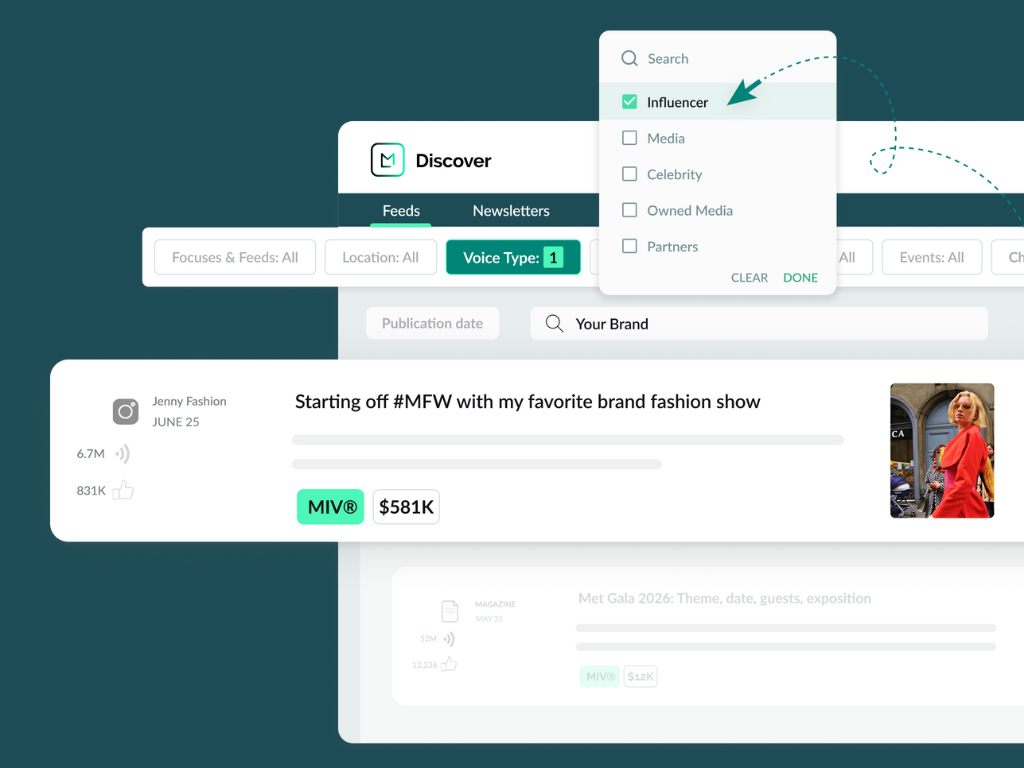
The new Discover Reports Builder transforms your coverage feed into a flexible reporting environment. It adapts to how your teams analyze, interpret and share media performance. Reports are built around your existing workflow, using the same filters and sorting logic already applied to your feed. Whether you’re focusing on a specific region, media type or time period, the builder captures exactly what matters and packages it into a clean, consistent format.
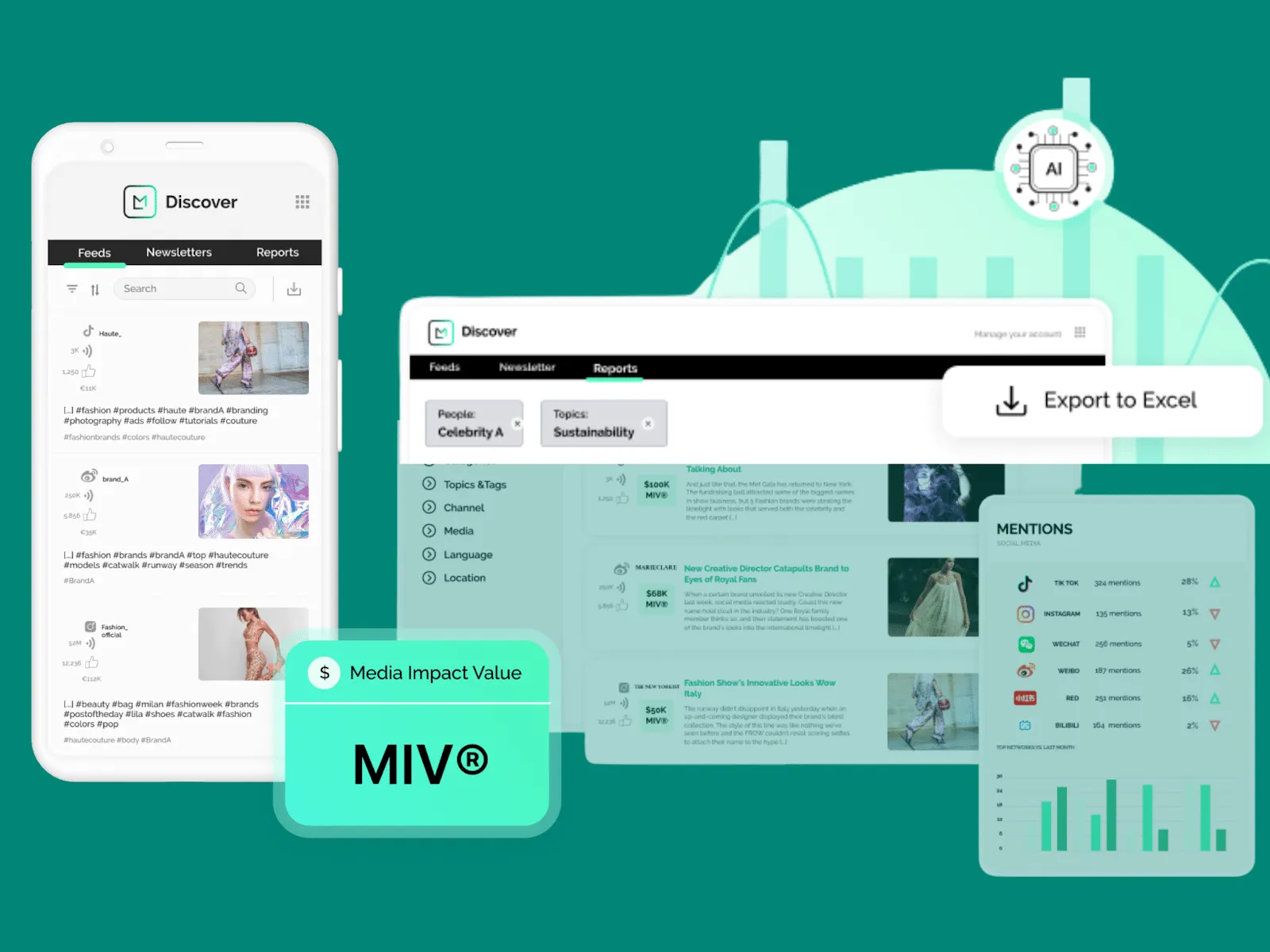
With support for multiple export types, including Excel, PowerPoint, PDF and online reports, the tool makes it easy to tailor the format to your audience, whether it’s a stakeholder presentation or a quick internal update. Saved configurations mean you no longer need to rebuild reports from scratch. You can choose to keep them private or share them across teams, and manage everything from a centralized reports page.
Use Cases
1. A regional PR lead needs consistent, campaign-specific reporting
To track media performance in their market, a regional PR lead filters by region, campaign and publication tier directly from their feed. They save this configuration in the Discover Reports Builder, so they can quickly generate fresh reports every month—without starting from scratch. PDF exports make it easy to share clean, consistent updates with internal stakeholders
2. A global VP of communications needs to benchmark seasonal campaigns
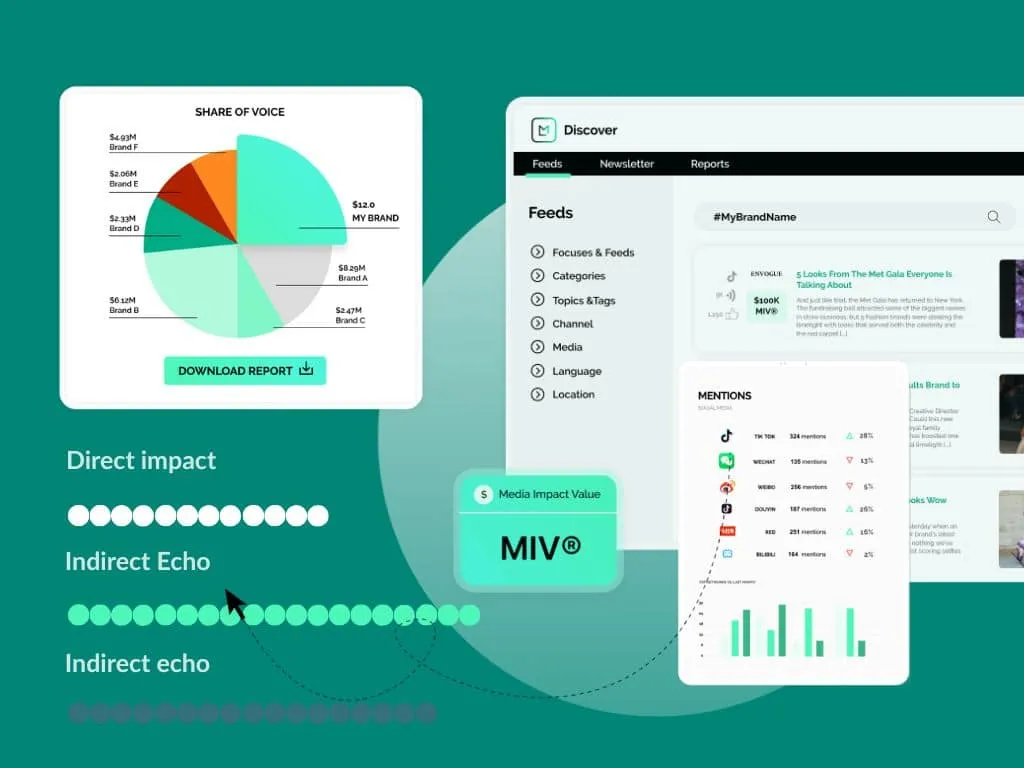
Looking to compare the impact of recent collections, the VP builds a report that tracks Media Impact Value® (MIV®) and media reach over time. Using saved configurations and dynamic date filters, they quickly benchmark campaign results across different timeframes. Reports are downloaded in Excel for deep analysis or shared in PowerPoint for executive updates.
3. An agency partner needs flexible, client-specific deliverables
An agency working across multiple FLB brands tailors reports by media type, project and timeline. Each report is saved under a client-specific configuration, then exported into PDF or Excel depending on client preference. To manage visibility, they keep internal reports private and share only finalized versions across the account team.
See It In Action
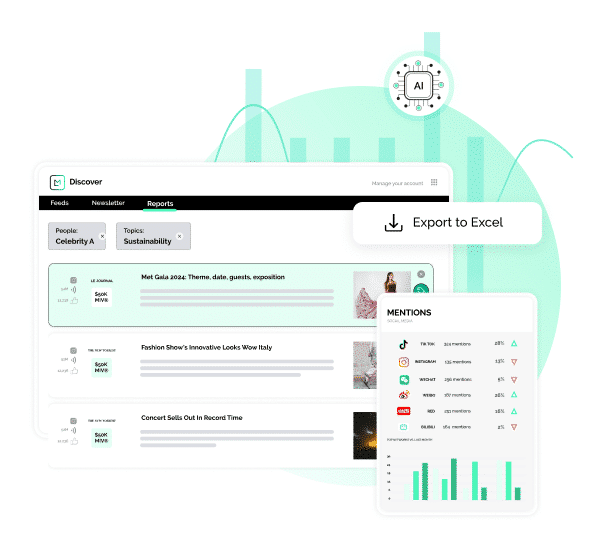
From Feed to Report in Just a Few Clicks
Book a personalized demo to see how the Discover Reports Builder can help you create tailored, insight-driven reports in less time.
By Pawandeep Kaur