On the day of your event, the plan is locked in. The guest list is set, seating is finalized and the team knows their roles and responsibilities. But even with the best prep, those last minute occurrences still happen in Fashion, Lifestyle and Beauty events. Whether a VIP walks in unannounced or a high-profile guest requests to be seated elsewhere, team members are scrambling to make those changes moments from showtime.
At Launchmetrics, we understand the pressure that limited resources and time can put on teams when things need to move fast. It’s why we developed our Events platform to give teams control when on the field through our Events iOS app, a dependable place to manage guests, seating and live updates.
In our latest release, we’ve enhanced our app to enable even better collaboration, real-time adaptability and data reliability.
“Where things change by the minute and teams need tools that move just as fast, we built this update with real-world event pressure in mind. Whether a last-minute VIP arrival or a walk-in guest without a record, we wanted to equip onsite teams with more capabilities they need to act quickly.” — Diego Covarrubias, Product Manager at Launchmetrics
How does the Events iOS App work?
The Events iOS app acts as a mobile extension of the Launchmetrics Events module giving teams in the field a direct line to their full guest list, seating plans, information and documents as well as real-time updates. Rather than relying on manual methods and printed lists during challenging moments, our app works as the bridge between teams to act quickly.
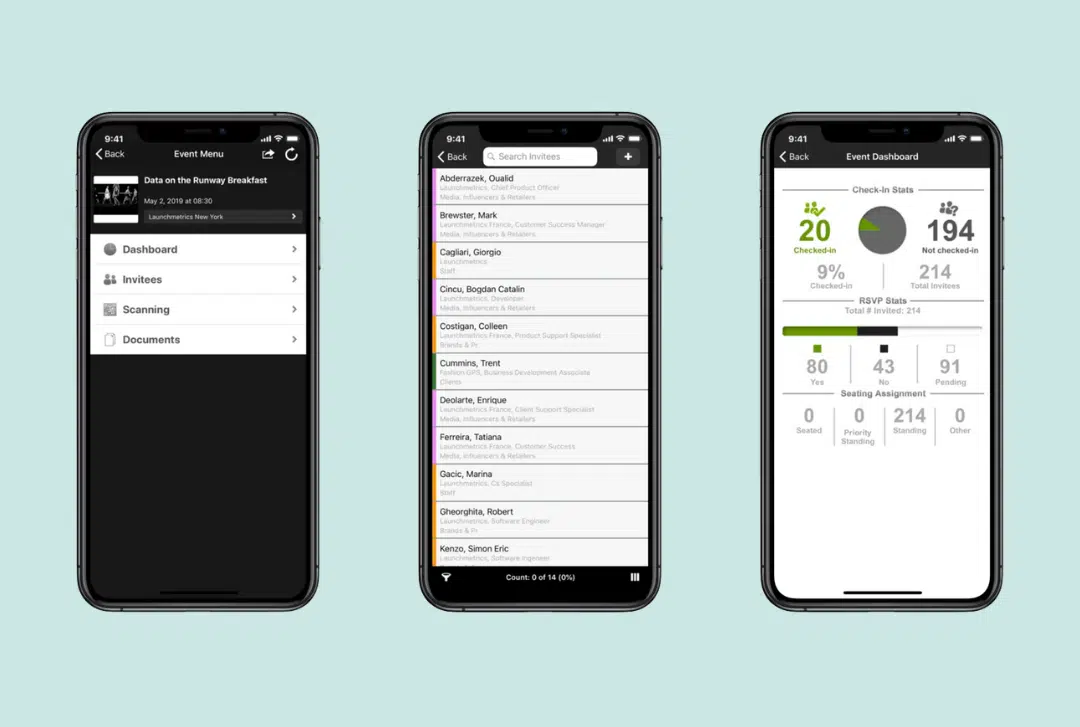
On top of this, our Events iOS 2.18.0 app update brings a series of upgrades including a refreshed layout to newly expanded invitee profile fields, to work smarter and act faster.
1. Data Synchronization
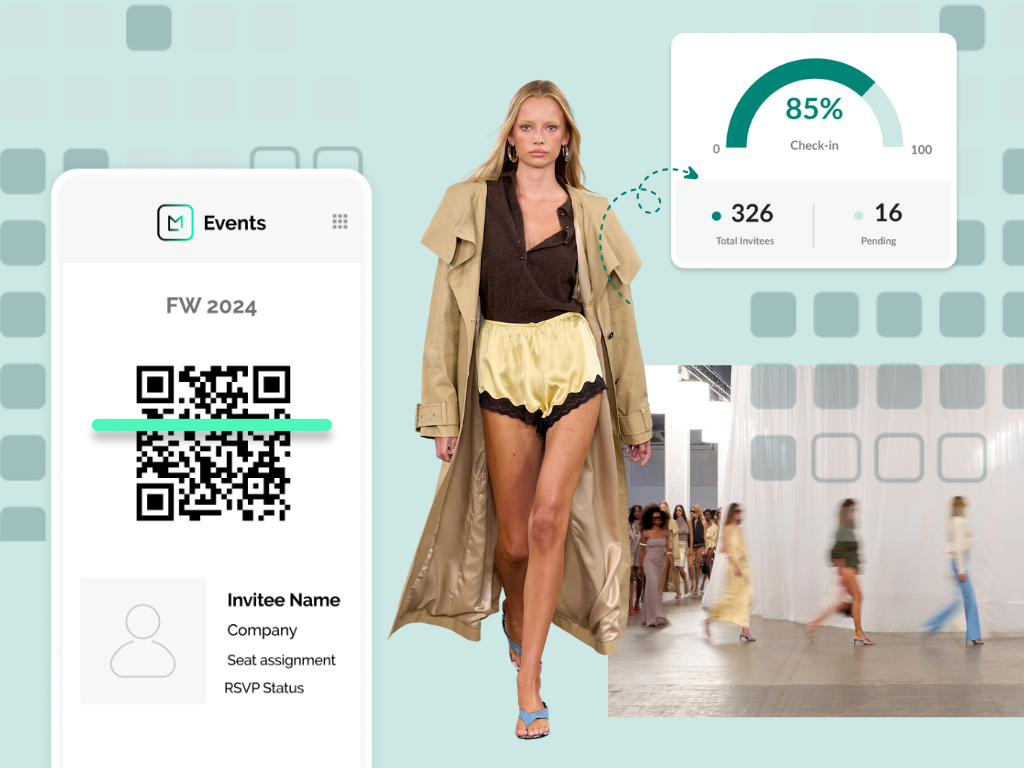
With secure logins, teams can download the event to view invitees and manage arrivals. Because the app connects directly to Launchmetrics’ Contacts database, any new guest profiles, changes or check-ins made onsite can be synced back to the Events platform. This means when the event ends, reports like the RSVP list, check-in status and attendance breakdown will be accurate and up-to-date.
2. Checking In
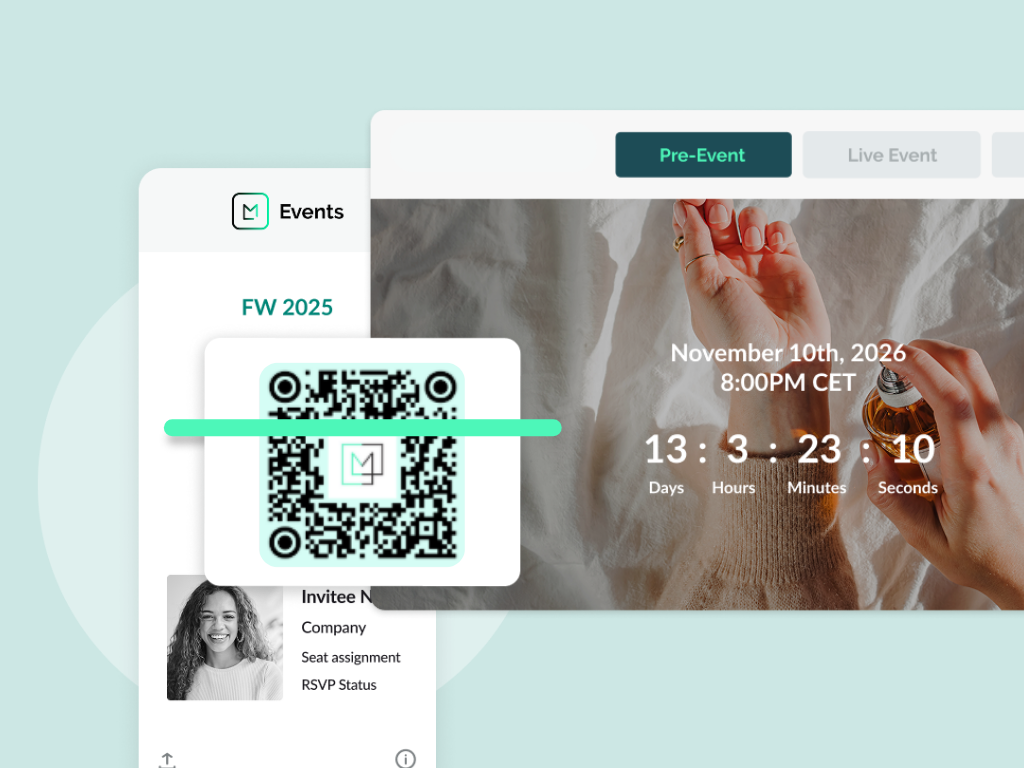
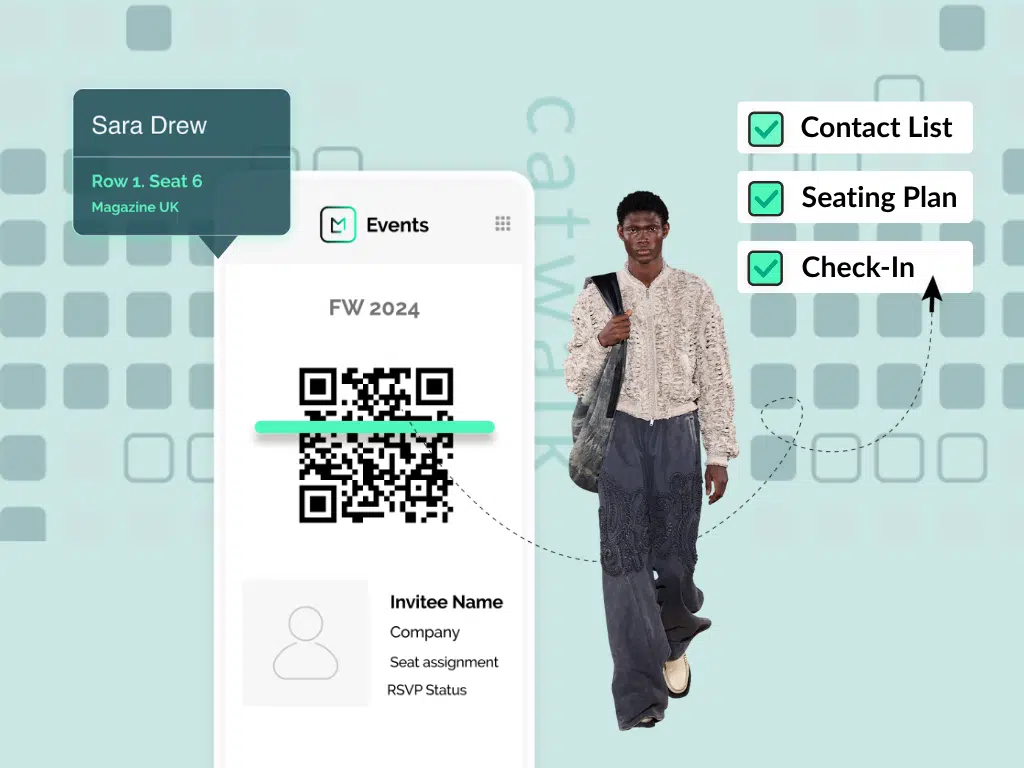
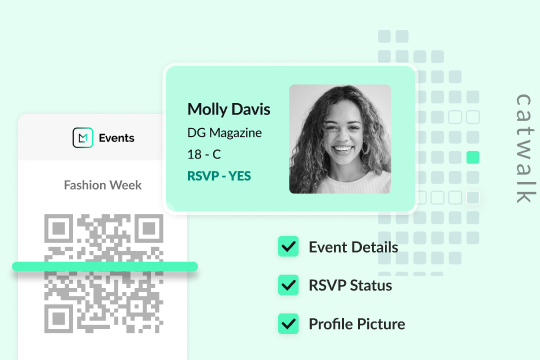
Guests can be checked in by scanning a QR code, RFID or searching by name. And for those moments when a VIP brings a plus one who isn’t on the list, a full profile can be created directly from the app. From name and company to department, mobile number and internal comments, all key fields are available. These profiles are stored and accessible later for follow-up or reporting.
3. Preventing Duplication
For those moments when security matters, our app prevents any QR codes from being scanned twice while being flagged instantly to avoid duplication and safeguard the guest list. Plus, with the option to upload lookbook documents and reference images, users can easily identify high-profile guests for a smooth check in.
4. Seating Customization
The Event iOS app seating tab mirrors your pre-assigned layout from the Events module. You can zoom into the chart, see exactly where someone is seated and make quick updates—ideal when VIPs show up without prior notice or changes need to happen minutes before doors open.
5. Latest Update: More Fields For More Context
We’ve added extra fields like ‘Invited by’, ‘Referred by’ and ‘Check-in time’ to help users quickly assess context in times of those last-minute additions or unexpected walk-ins. These fields are also toggleable to enable teams to customize the guest view to adhere to the pace and complexity of each event. And with a cleaner, more intuitive layout, our app update makes for an even faster check-in process.
Use Cases
1. Fashion Week: The Last-Minute Vip
You’re managing a high-volume check-in, scanning guests at speed. A well-known name arrived but wasn’t on the list. As the Events iOS app is being used across the team, a team member can quickly create their full profile on the spot, adding referrer details, assigning their seat and checking them in from the same iPad. Once complete, the team member can sync this update in the Events iOS app across devices so anyone else updating the list or seating chart can instantly see it.
2. Private Presentation: Preventing Entry Errors & Duplication
Doors are opening and the room is tightly curated. To ensure the right people are entering, every guest must be verified. While the attendee list will be updated, the Events iOS app has an extra measure to block any duplicate QR scans, instantly flagging if someone has already been checked in—even if scanned by a different team member. For added certainty, your team is also able to refer to the Document tab to visually confirm high-profile faces before entry, helping to avoid confusion or awkward mistakes.
3. Seating Shuffle: Making Last-Minute Changes with Confidence
It’s minutes before showtime and the front row has shifted. A buyer’s team just called to confirm an additional attendee, while a celebrity manager is requesting a swap. From the Events iOS app, you tap into the seating chart, reassign seats and confirm the changes in real time. The app reflects the updates after syncing and enables you to move straight on to the next task.
See Launchmetrics Events in Action
When every guest, seat and second counts, you need a platform built to support you. Launchmetrics does just that; it empowers Fashion, Lifestyle and Beauty brands to manage high-stakes events with confidence, from streamlining planning, to syncing real-time updates and eliminating manual work.
Book a demo to see how our Events solution can help your team work smarter for seamless event management.
Discover How Our Event Management Platform Works
By Pawandeep Kaur